How to order a PCB on PCBWay
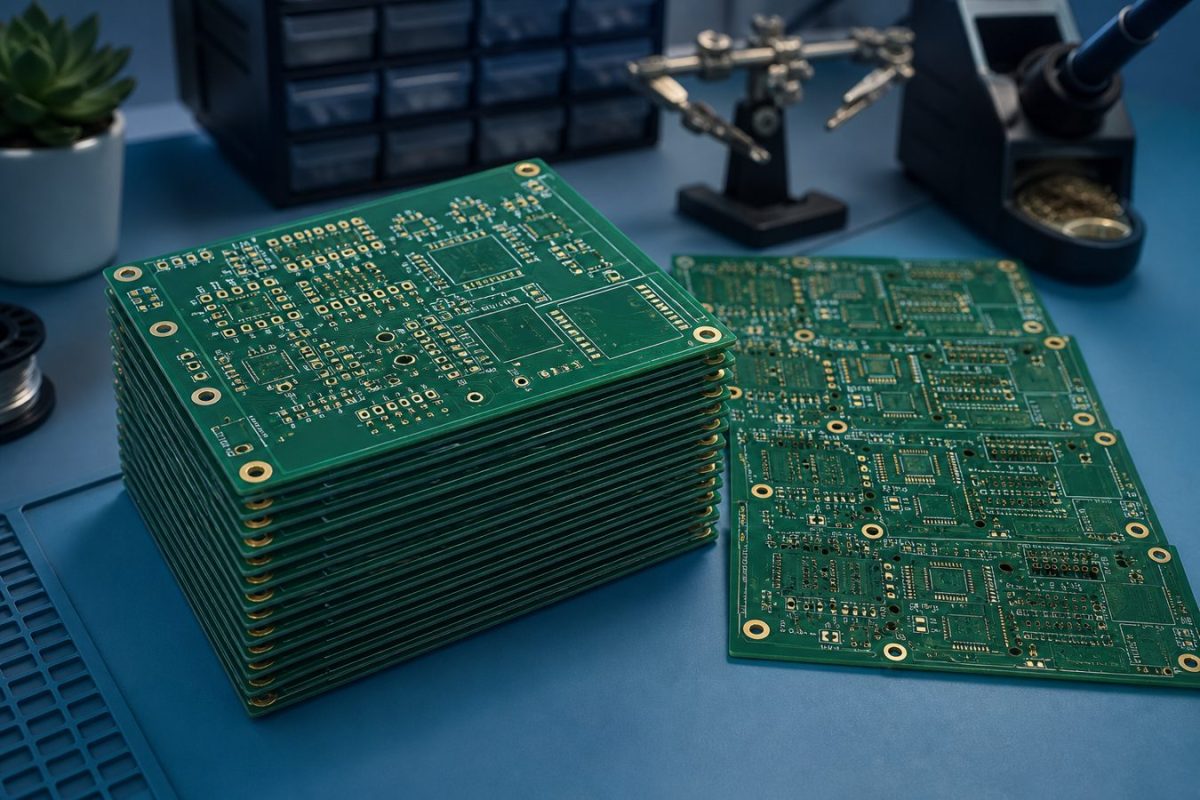
A short walkthrough for sending Gerbers to PCBWay, checking the quote, and ordering the actual board. Use the button below when you are ready to fabricate.
CraftedTech Engineering designs boards and hands you the files. Printing is separate. PCBWay is one of the print houses we send people to when you want a real fabricated PCB, stencil, or assembly.
This post is the order path we use for a typical 2-layer FR4 prototype. You can edit every section later in Admin - Blog Post.
What you need before you quote
Export a Gerber set from KiCad, EasyEDA, Altium, or the tool you used. A clean zip usually includes:
- Copper layers (F.Cu / B.Cu, plus inner layers for 4-layer boards)
- Solder mask and silkscreen
- Edge cuts / board outline
- Drill file (Excellon)
Optional but useful: a pick-and-place file and a BOM if you also want SMT assembly. If CraftedTech designed the board, those files are in the design package we deliver.
1. Open PCBWay from this site
Use the CraftedTech PCBWay link so you land on their instant quote with our referral. You can also start from Print partners. The Order actual PCB here button at the bottom of this post uses the same link.
2. Start an Instant Quote
On the PCBWay home page, open Instant Quote / PCB Instant Quote.
Set the basics first:
- Board size in mm (from your outline)
- Quantity (5 or 10 pcs is a common first run)
- Layers (2 for most hobby and PisoWiFi-class boards; 4 if you have inner planes)
- Thickness (1.6 mm is the usual default)
The price updates as you change options. Do not chase the cheapest stackup if it fights your design rules.
3. Upload the Gerber zip
Click Add Gerber File and upload the zip. PCBWay runs an online Gerber viewer so you can check copper, mask, silk, and outline.
Look for:
- Outline closed and the correct size
- No silk on pads
- Vias tented or open the way you intended
- Layer names mapped to Top / Bottom / Inner correctly
If a layer is missing or swapped, fix the export and upload again. It is cheaper to catch this now than after the boards ship.
4. Confirm fabrication options
For a first prototype we usually keep:
- Material: FR-4
- Solder mask: green (other colors cost more and can add days)
- Silkscreen: white
- Surface finish: HASL lead-free, or ENIG if you have fine-pitch / gold fingers
- Copper weight: 1 oz unless the design needs 2 oz power traces
- Via: tented, or plugged if you asked for via-in-pad
Add a stencil if you will paste and reflow at the bench. Add SMT assembly only when the BOM and centroid file are ready.
5. Pay, track, and receive
Save the quote, choose shipping (DHL / FedEx is typical into the Philippines), and pay on PCBWay. Production status is in My PCBWay.
When the boards arrive, check the outline, hole sizes, and a few nets with a meter before you populate the whole run.
CraftedTech does not fabricate these boards. The order, payment, shipping, and any refund are with PCBWay. If you still need a schematic or layout, start with our PCB design service, then come back here to print.
Need the board designed first? Request a PCB design quotation