PLC vs microcontroller: what is the difference?
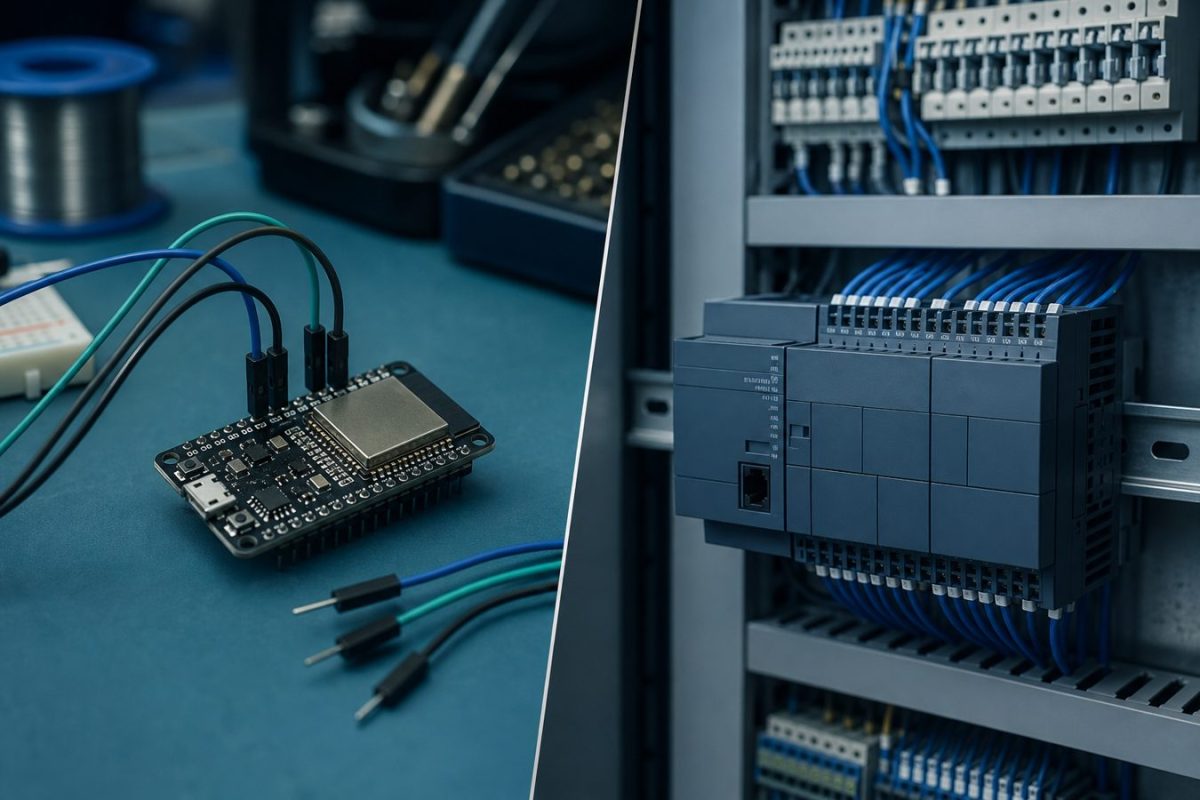
A practical comparison of PLCs and microcontrollers: where each one fits, typical applications, I/O, programming, and when to shop boards versus specify a cabinet PLC.
A PLC and a microcontroller can both run control logic. They are not the same tool. A microcontroller is a small computer on a chip that you wire, program, and package yourself. A PLC is a ready industrial controller with protected I/O, a scan cycle, and a cabinet-friendly form factor.
This post is for shoppers and students who need to pick a path: build a board around an ESP32 or Arduino-class MCU, or specify a PLC for a machine that must stay online in a factory. You can edit every section later in Admin - Blog Post.
What is a microcontroller?
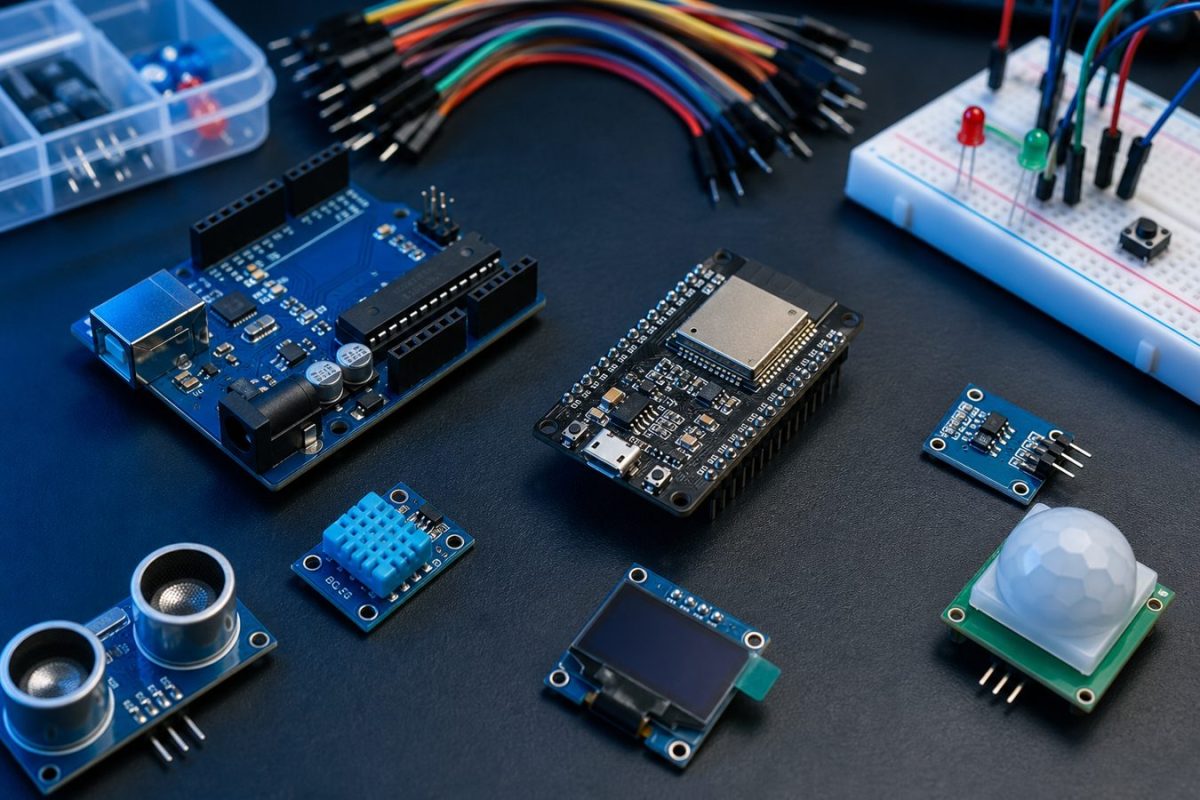
A microcontroller (MCU) is a CPU, RAM, flash, timers, and peripherals (GPIO, ADC, UART, SPI, I2C, PWM, sometimes Wi-Fi) on one chip. You buy it as a bare chip or as a development board (Arduino, ESP32, STM32, Raspberry Pi Pico).
You write firmware in C, C++, MicroPython, or the Arduino language. You add sensors, drivers, a power supply, and a PCB. That flexibility is the point: the board can be cheap, small, and custom. You also own the electrical design, noise, and field wiring.
What is a PLC?
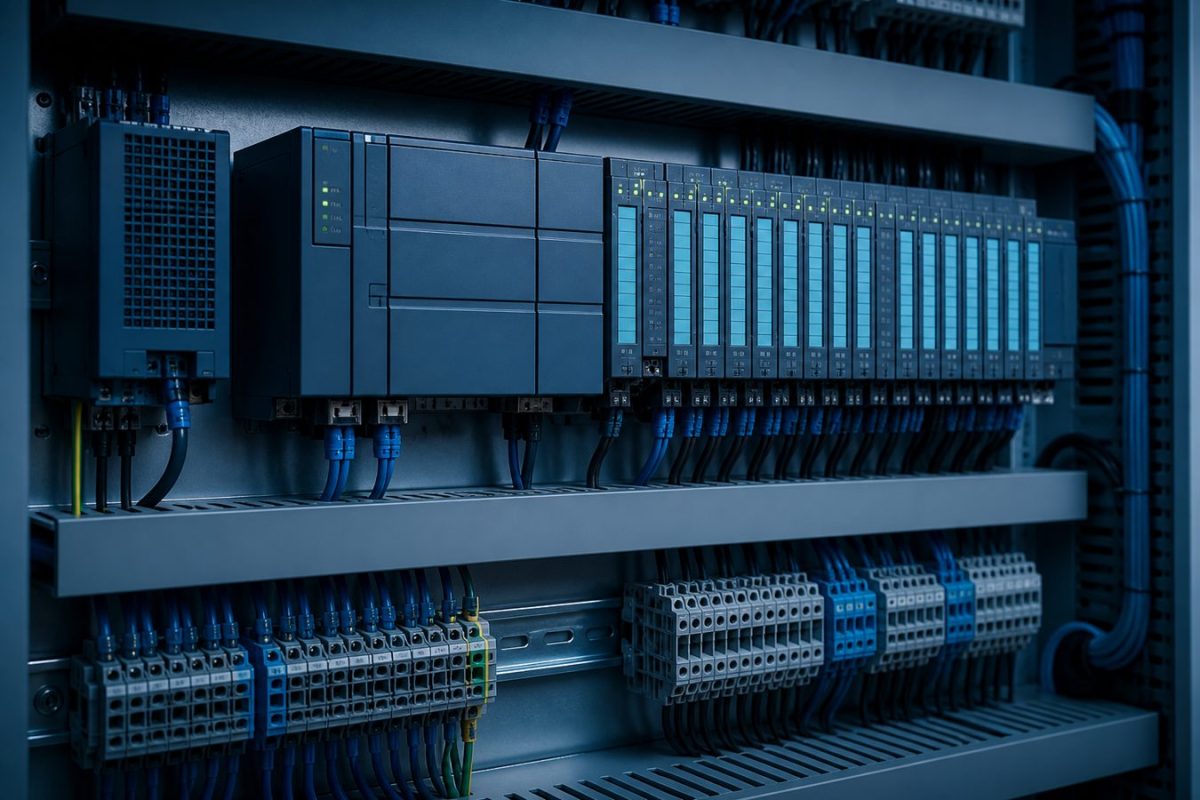
A programmable logic controller is a rugged industrial computer sold as a complete unit: power supply, CPU, and isolated digital or analog I/O modules. It mounts on a DIN rail inside a panel. Inputs and outputs are typically 24 V DC or relay contacts, not 3.3 V GPIO.
You program it in ladder logic, function block, structured text, or a vendor IDE. The firmware scan is deterministic: read inputs, run logic, write outputs, then repeat. Electricians can service the panel without opening a custom PCB. Certification, watchdogs, and replaceable modules are part of the product.
Main differences
1. Environment. An MCU board is for a bench, a product enclosure, or a short-run machine you designed. A PLC is built for cabinets, dust, vibration, and electrical noise.
2. I/O voltage and isolation. MCU pins are 3.3 V or 5 V and need optos, drivers, and fuses. PLC I/O is already isolated and rated for industrial sensors and contactors.
3. Programming. MCU work is firmware (Arduino / ESP-IDF / STM32). PLC work is ladder or IEC 61131, meant for maintenance staff as well as programmers.
4. Scan vs loop. A PLC has a guaranteed scan. An MCU loop can stall if you block on Wi-Fi or a delay unless you design it carefully.
5. Cost at one piece. An ESP32 board can be a few hundred pesos. A PLC CPU and I/O rack is typically much more, but you skip custom hardware design.
6. Cost at volume. For a product you will sell many times, an MCU plus a custom PCB is cheaper. For one machine in a plant, a PLC is usually cheaper than engineering a certified custom controller.
7. Safety and uptime. PLCs are chosen when downtime or a failed GPIO can stop a line or hurt someone. MCUs are fine when you own the whole product and can test it.
8. Connectivity. MCUs win at Wi-Fi, BLE, and cheap displays. PLCs win at fieldbus (Modbus, EtherNet/IP, Profinet) and SCADA.
9. Service. A failed PLC module can be swapped. A failed custom MCU board needs a spare PCB and a programmer.
Microcontroller applications
1. Consumer and maker products: appliances, toys, wearables, handheld tools.
2. PisoWiFi, vending, and coin-operated kiosks where cost and Wi-Fi matter.
3. IoT sensors, data loggers, and battery nodes.
4. Robot kits, drones, and smart-car chassis.
5. Custom HMI: OLED, 1602 LCD, touch panels on a small PCB.
6. Motor and LED control on a product you will fabricate in volume.
7. Lab instruments and one-off test jigs you can reflash on the bench.
8. Wireless bridges (ESP32) that talk to a phone app or a cloud API.
9. Teaching electronics, firmware, and PCB design.
PLC applications
1. Factory machines: conveyors, packers, presses, and filling lines.
2. Building systems: pumps, AHU, water treatment, and genset transfer.
3. Process plants: tanks, valves, PID loops, and analog 4-20 mA loops.
4. Safety-related interlocks when paired with the right rated hardware.
5. Multi-motor panels that electricians must service for years.
6. Lines that must talk to SCADA, HMIs, and other PLCs on a fieldbus.
7. Machines that will be copied as a panel layout, not as a consumer PCB.
8. Sites that require documented ladder and spare I/O modules on the shelf.
When to pick which
Pick a microcontroller when you are building a product, a kiosk, a wireless node, or a prototype you will turn into a PCB. Shop the MCU, sensors, and modules here, then request a PCB design if you want a clean handoff to fabrication.
Pick a PLC when the job is a panel in a plant, 24 V field devices, maintenance by electricians, or a machine that must stay certified and spare-able. We do not stock PLC racks in the shop. We do design custom boards that sit beside a PLC (sensor front-ends, displays, or comms).
Hybrid is common: a PLC runs the machine; an ESP32 or similar MCU handles Wi-Fi, a local screen, or a cheap sensor island. Keep the safety and power circuits on the PLC side.
Related details that matter
Power. MCU boards often need 5 V or 3.3 V from USB or a regulator. PLC panels use 24 V DC supplies and proper fusing.
Grounding and noise. Factory contactors will reset a naked MCU. Use isolation, TVS, and a real enclosure if you put an MCU near motors.
Scan time vs Wi-Fi. Do not put a blocking HTTP call inside a hard real-time loop. Use a PLC or a dedicated MCU task split.
Standards. PLCs follow IEC 61131 and panel norms. MCU products follow whatever you put in the design (and any CE / safety rules for the end product).
Learning path. Start with an MCU and sensors if you are learning firmware and PCBs. Learn ladder when you work on plant panels.
Files. MCU projects need firmware plus Gerbers. PLC projects need the program file, I/O list, and panel drawings.