Top 3D printers for hobbyists in 2026
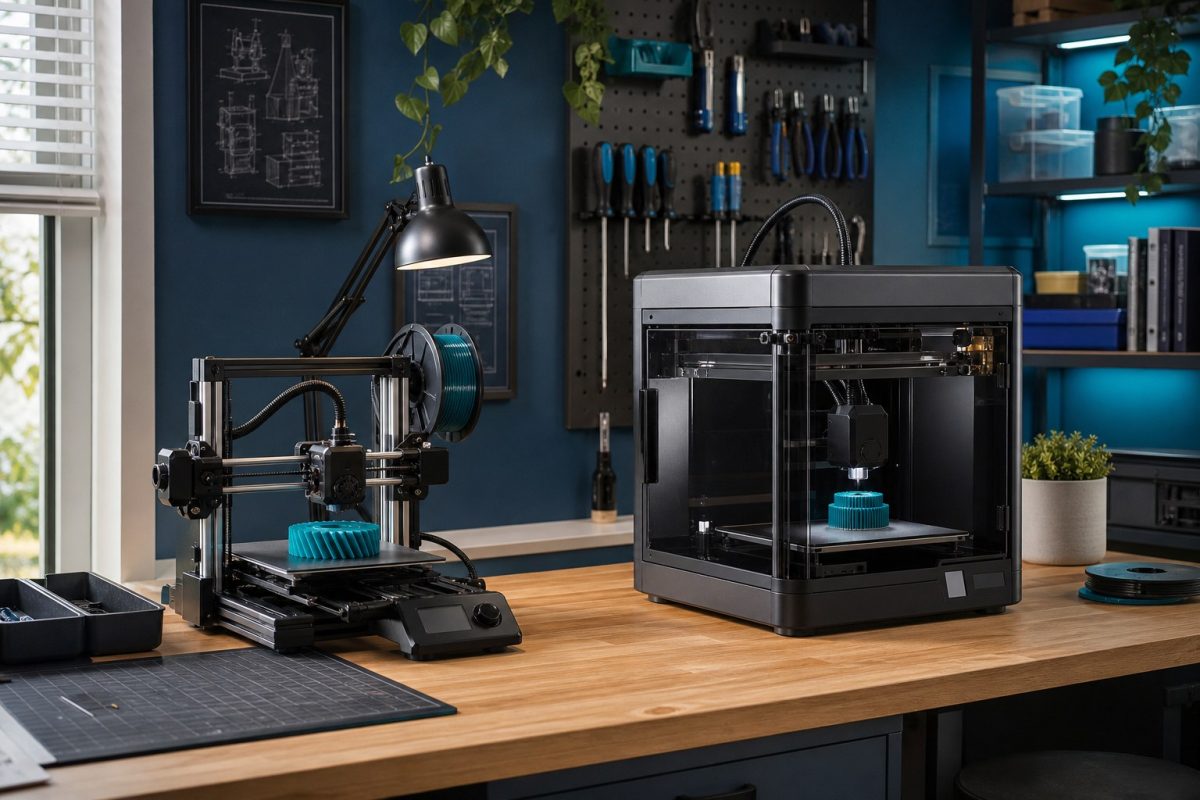
A practical shortlist of desktop 3D printers for makers: easy first machines, enclosed workhorses, budget speed, and when to skip a printer and use a print partner.
Hobby 3D printing got simpler. You no longer need a weekend of belt tensioning before the first usable part. The machines below are the ones we send students, kiosk builders, and enclosure prototypers to when they ask what to buy for a home bench in the Philippines.
This is a buyer guide, not a lab shoot-out. Prices move. Check the current kit (nozzle, AMS / ACE, PEI plate) before you pay. CraftedTech designs boards and 3D files. We do not sell the printers themselves. Shop parts and design files here, then print at home or through a partner.
How we ranked them
1. First-print success. Can a new user get a clean PLA cube the same day?
2. Time to a useful part. Enclosure clips, MCU cases, and jigs - not only figurines.
3. Spare parts and local support. Nozzles, PEI sheets, and a shop that will still answer next year.
4. Noise, smell, and desk size. Condo and shared-shop reality.
5. Path to better materials. PETG now, ABS / ASA later if you enclose.
If you only need two or three nylon or resin parts a year, skip the machine. Upload the STL to a print partner and spend the money on the design.
1. Best first printer: Bambu Lab A1 Mini
Buy this if you have never printed and you want parts this week. The A1 Mini is small, quiet enough for a desk, and the slicer does most of the calibration. Multi-color is optional with AMS Lite.
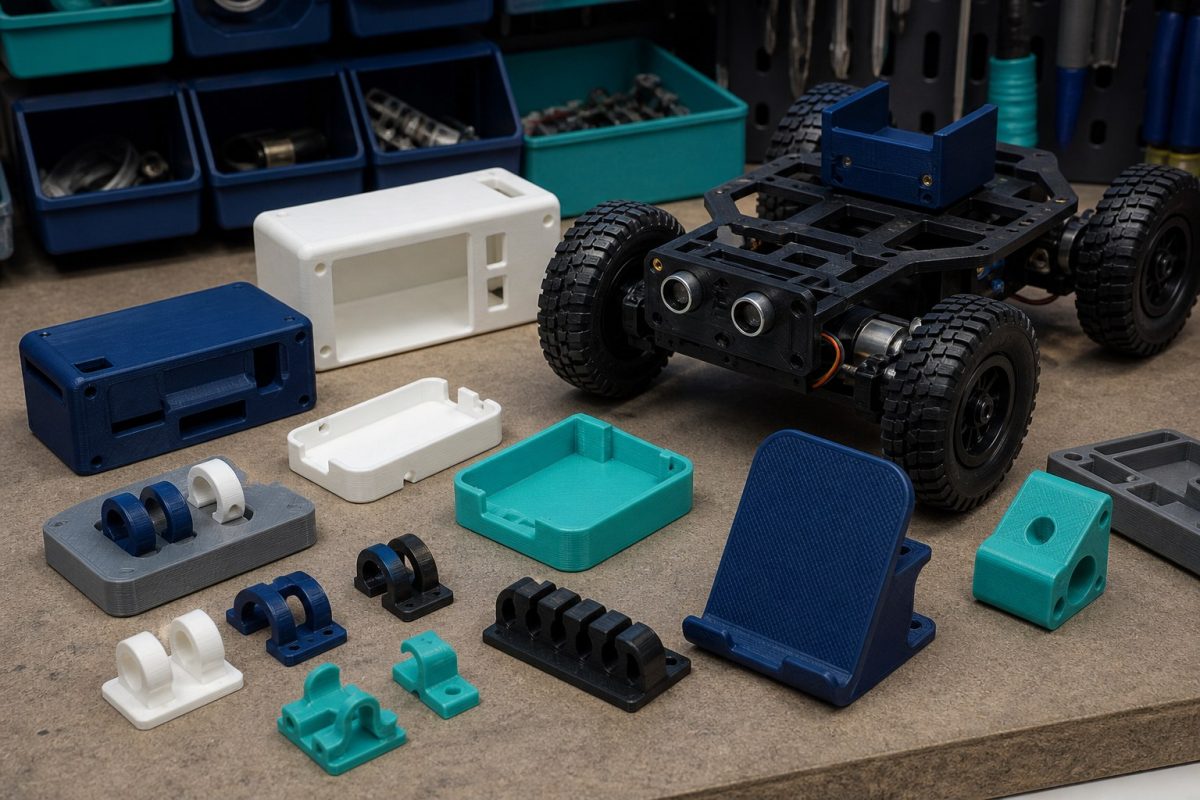
Build volume is the limit (about 180 mm cube). Fine for sensor lids, cable clips, Pi / ESP32 cases, and small robot brackets. Not fine for a full keyboard case or a large drone frame.
Watch for: official or well-reviewed filament; cheap no-name PLA that jams the AMS. Keep the plate clean. Do not chase 0.12 mm layers until 0.20 mm is boring.
2. Best all-round hobby machine: Bambu Lab A1
Same easy workflow as the Mini, larger bed (about 256 mm). This is the default we suggest when someone says they will print enclosures, tool holders, and the odd cosplay piece.
It is a bed slinger, so tall skinny parts can wobble. Print them on a raft or turn the part. Still PLA / PETG first. For ABS, step up to an enclosed machine.
Watch for: vibration on a weak table. Put it on a solid ply or stone slab.
3. Best enclosed workhorse: Bambu Lab P1S
If you already know you want ABS, ASA, or overnight jobs without a draft killing the print, get an enclosure. The P1S is the hobby enclosed box that still feels like consumer software. AMS is the usual add-on for multi-color or support filament.
This is the printer we point at people making radio boxes, outdoor clips, and heat-ish parts near a PisoWiFi PSU. It is louder and larger than an A1 Mini. Budget the AMS and a few spare hotends.
Watch for: heat and smell in a closed room. Vent or run it when you can open a window. Do not print mystery carbon filament until you have a spare nozzle.
4. Best open, repairable pick: Prusa MK4S
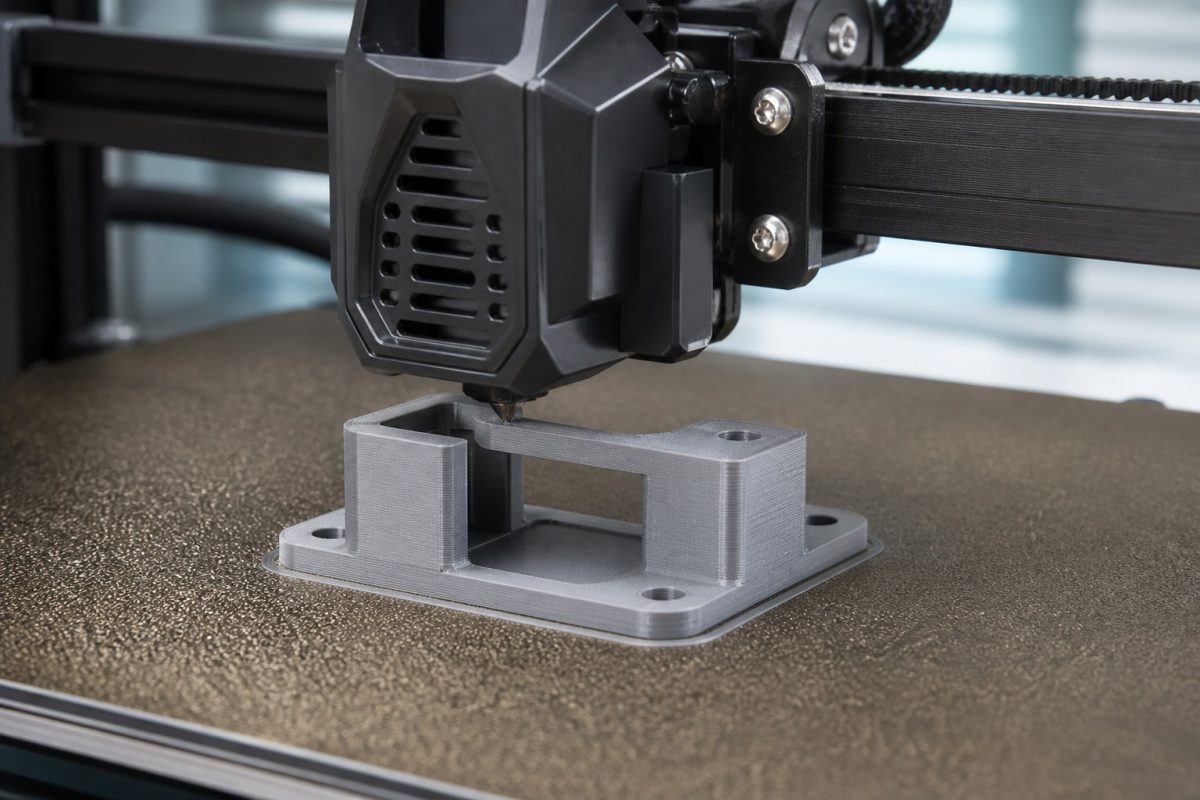
Prusa is slower to unbox-wow than Bambu, and usually costs more. You buy it when you want published parts lists, a machine you can rebuild, and a company that still ships a spare heater years later.
Input Shaper on the MK4S closed a lot of the speed gap. PLA and PETG are excellent. Enclosure is a separate kit if you need ABS.
Watch for: kit vs assembled. If you enjoy building, the kit teaches the machine. If you need parts tomorrow, buy assembled.
5. Best budget speed: Creality K1C or Ender 3 V3 KE
When the budget is tight and you accept more tinkering, Creality still ships the volume. The K1C is the enclosed, faster CoreXY-style option with a hardened nozzle for carbon-filled experiments. The Ender 3 V3 KE is the cheaper bed slinger that prints PLA well after you square the frame.
These win on price in local shops and Shopee. They lose on out-of-box luck. Read one current setup guide, update firmware, and print a first-layer test before you start a 10-hour job.
Watch for: clone parts and "upgraded" listings that swap the hotend. Stick to a known SKU.
6. Best value combo (multi-color on a budget): Anycubic Kobra 3
If you want an AMS-like color system without Bambu money, the Kobra 3 Combo is the listing people compare. Treat it as a value machine: good PLA, decent speed, more DIY when something clogs.
Fine for toys, organizers, and school projects. For a product enclosure you will ship, we still prefer P1S or Prusa dimensional consistency.
Watch for: ACE / color unit tubing. Dry filament. PETG strings more on budget hotends.
Resin, if you need fine detail
FDM is the hobby default. Buy resin (Elegoo Saturn 4 class, or a current Anycubic Photon Mono) only if you print miniatures, jewelry masters, or tiny interlocking parts. Resin needs IPA or a wash station, gloves, and a place that is not the dining table.
Do not start with resin if your goal is an ESP32 box or a bracket. FDM is cheaper per part and less messy.
What to buy with the printer
1. Two rolls of known PLA (one light, one dark) and one PETG.
2. Spare 0.4 mm nozzles and a second PEI sheet.
3. A scraper that will not gouge the plate.
4. A dry box if your room is humid (most of the Philippines).
5. Calipers. You cannot guess hole sizes for standoffs.
Shop fasteners, modules, and MCU boards here so the printed box has something to hold. If you need a clean enclosure designed around a PCB, request a 3D quotation instead of guessing the STL.
When not to buy a printer
You need one nylon latch, a glass-filled bracket, or a painted show model. A print house will beat a first machine on those materials.
You travel weekly and the printer will sit. Dust and wet filament waste more money than a partner quote.
You only want the CAD. Buy or commission the 3D design file, then send it out.